 Save Later
Read-later app for iPhone
Save it now.
Actually read it later.
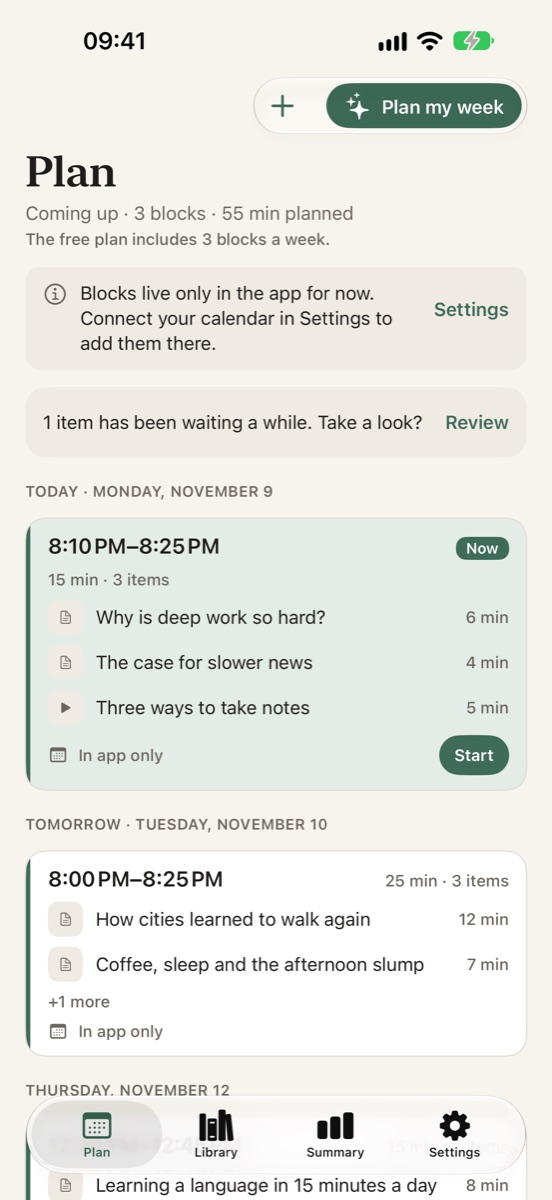
Save articles and videos from any app. Save Later fits them into the free time on your calendar as short reading blocks. When a block starts, you open it and read.
Free · No account · No ads · iPhone, iOS 17 or later
This week
3 blocks · 65 min · only in free time
MON 10
TUE 11
WED 12
THU 13
FRI 14
3 items
3 items
Listen · 25 min
Skipped Wed 12:30
Team lunch was already there.
“Read later” has quietly become “never.”
Saving takes one tap. Reading needs time, and a list never gives you any. So the pile grows, and every new save adds a little guilt.
Save Later gives each saved piece a time. Blocks go only into gaps in your calendar, around what is already there, so reading turns into a short, planned habit.
How it works
From “I'll read this later” to a time on your calendar.
-
1
Save from anywhere
Use the share menu in Safari, YouTube or any app. Or paste a link, or import your old list.
-
2
Pick your reading times
Lunch break, evening, your commute or your own hours. Blocks are 15, 25 or 45 minutes.
-
3
Tap “Plan my week”
Blocks land only in free time, around your existing events, and show up in your iOS Calendar.
-
4
Read, tap Done, move on
A gentle reminder when the block starts. Anything you don't finish moves to the next block.
Read and listen
A calm reader that works offline. A voice for the walk home.
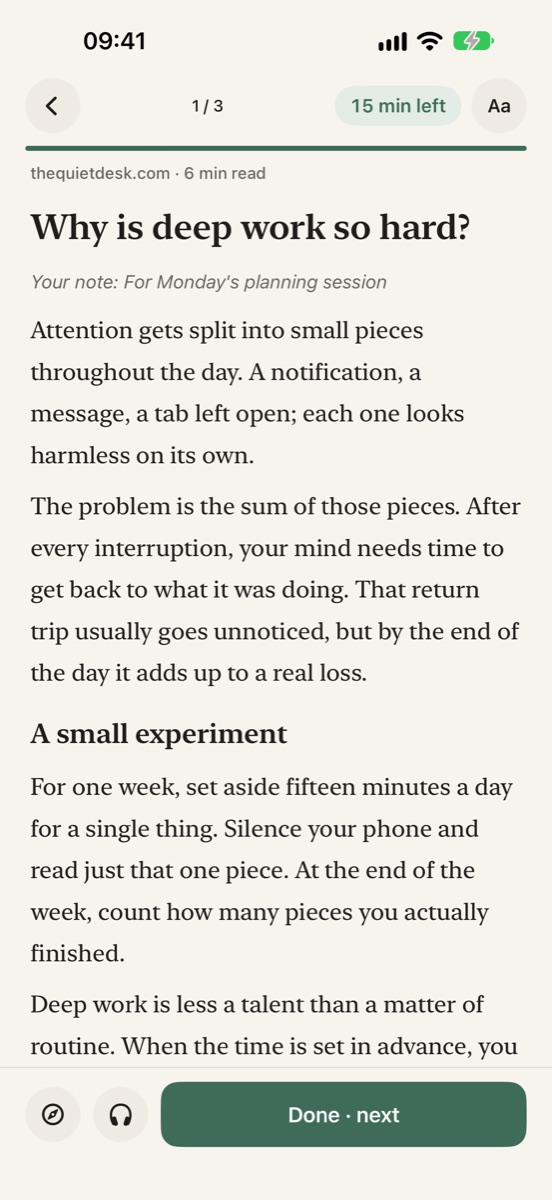
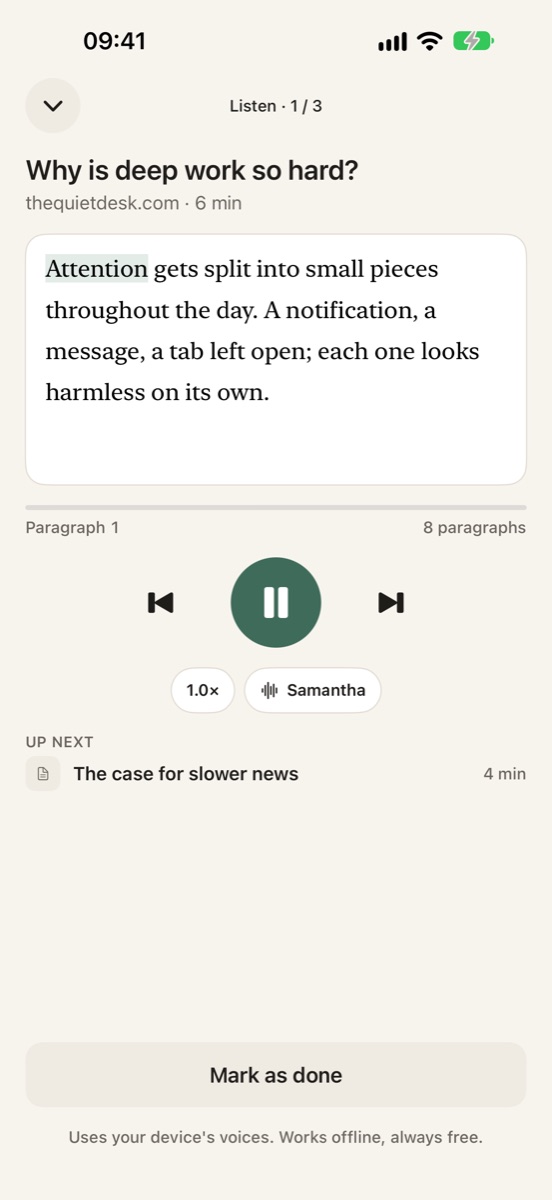
Articles in the next block download ahead of time. Listen mode reads them aloud with your device's voices, and it is free.
Keep your list honest
Letting go is allowed. Losing things is not.
Keep or let go. Items that have waited too long come up for a quick decision. Letting go archives them. Nothing is deleted.
“Why am I saving this?” Add a one-line note when you save, so you still remember months later.
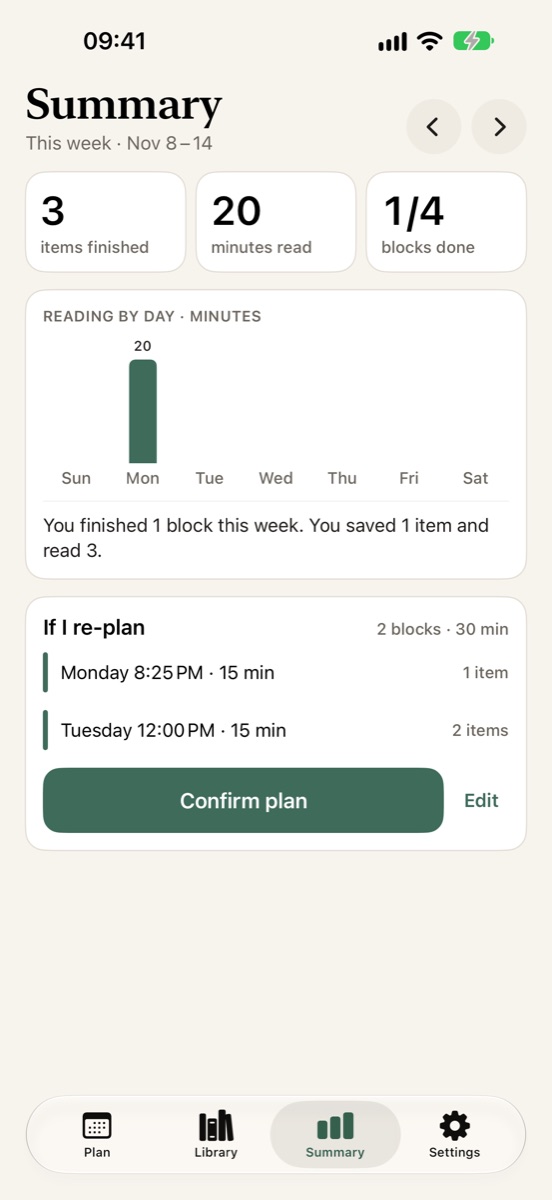
A weekly summary, without guilt. What you finished, minutes read and next week's suggested plan, every Sunday evening.
Honest about what it could fetch. If a page's full text can't be saved, the app says so and opens the original instead.
Your data stays yours
No account. No ads. Your iCloud.
Nothing to sign up for
Open the app and start saving. There's no login screen and no email to hand over.
On your device and iCloud
Your library lives on your iPhone and syncs through your own iCloud, not a server of ours.
Coming from Pocket?
Import Pocket or Instapaper export files and bookmark files. Recent items go to your queue, older ones to the archive.
Leave whenever you like
Export everything to HTML, CSV or Markdown at any time. Export is free.
Free and Pro
Free for real. Pro when you want more blocks.
No paywall before you've tried it. You see Pro after your first finished block, and it always has a close button.
Free
Forever. No trial clock.
- Unlimited saving
- 3 reading blocks a week, written to your calendar
- Offline reader and Listen mode
- Import and export
- This week's reading history
Pro
Everything in Free, plus:
- Unlimited reading blocks
- Your week planned automatically every Sunday
- Highlights
- Your full reading history
Yearly
$14.99
7-day free trial
Monthly
$1.99
Lifetime
$29.99
One payment
US prices. The app shows the price in your currency before you buy.
Questions
Does Save Later need access to my calendar?
It asks for calendar access so it can see when you're busy and put blocks only in free time. If you say no, blocks stay inside the app and everything else still works.
What happens if I don't finish a block?
Unfinished items move to your next block. After two moves or 30 days, an item shows up in “Keep or let go” so you can decide. Nothing is deleted without you.
Can I import my Pocket or Instapaper list?
Yes. Import Pocket or Instapaper export files, HTML bookmark files or a plain list of links. Items from the last 90 days go to your queue and older ones go to the archive.
Do I need an account?
No. There is no sign-up and no ads. Your library stays on your device and in your own iCloud.
How many notifications will I get?
At most two a day: one when a block starts (with Start and Snooze 15 min) and a weekly summary on Sunday evening. Save Later never asks for a rating on first launch.
How do I cancel Pro?
In your Apple Account subscription settings. A subscription renews unless cancelled at least 24 hours before the period ends. The lifetime option is a one-time purchase.
Your reading list, finally read.
Free on the App Store for iPhone.